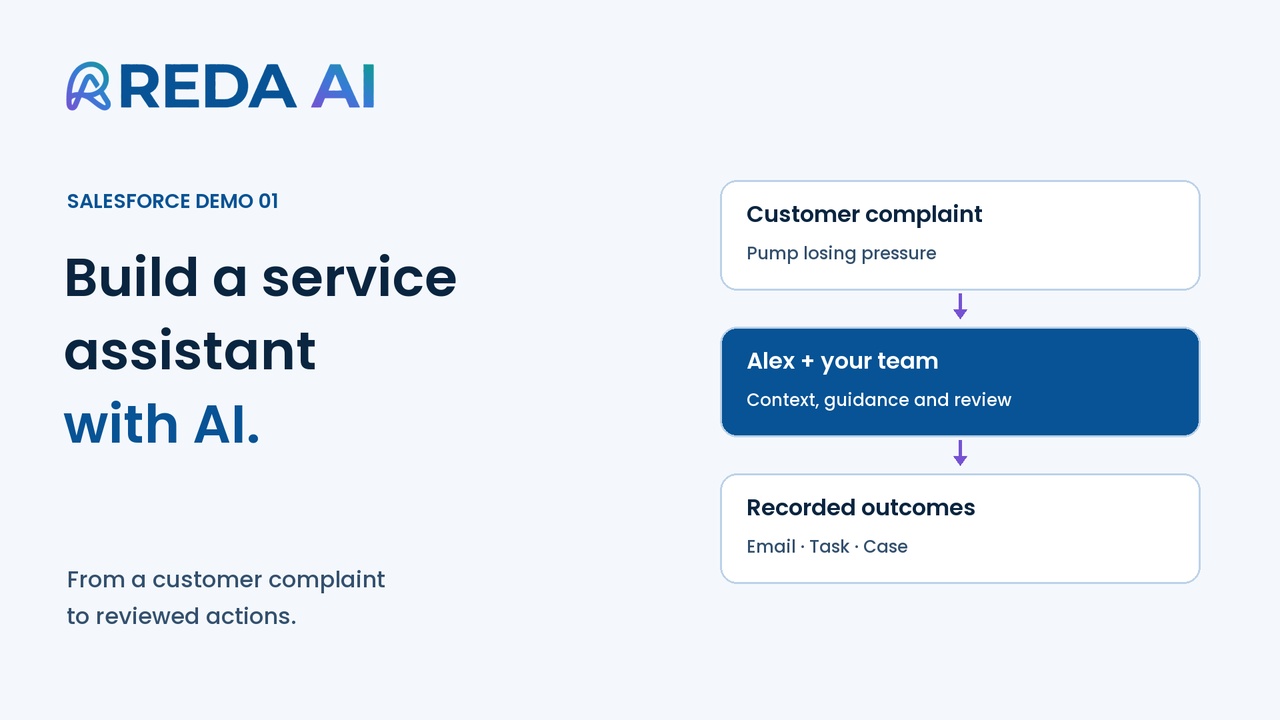
Your agentic workforce. Across the places work happens.
Help people find answers, make informed decisions and get work done. Configure agents to work as copilots inside Salesforce, provide record recommendations, run through automations and APIs, and support interactions in Claude, customer and partner portals, and your website.
Shape their instructions, context and enabled actions around your processes, with visibility into usage and controls over access and spending.
Configuration overview · tailored to your business, with your team.
The AI behind your workforce
Choose the reasoning. Keep the workflow connected.
Bring your own AI accounts or use REDA credits. The funding model applies to your Salesforce org; talk to REDA to switch.
Bring your own AI
Pay your provider directly. REDA supplies the orchestration platform, with no markup on provider usage.
Add an AI Connection in the Admin Console, backed by a Salesforce Named Credential.
Select the connection and a supported model on each agent.
Review usage by agent, channel and model in Salesforce.
Anthropic · OpenAI · Gemini · DeepSeek
AI included
Use the shared REDA credit allowance in your plan. Choose processing tiers and track consumption inside Salesforce.
REDA supplies and operates the AI provider accounts. Additional credits are available as top-ups.
Your provider supplies the AI. Your REDA subscription supports the platform that puts it to work: Salesforce orchestration, configurable governance, admin tools, support and continued product improvement as AI evolves.
Customer-account usage is still metered for reporting and your own usage limits. It is not deducted from a REDA allowance. The provider’s console and invoice show the actual provider charges.
A useful starting point. A decision for your admin.
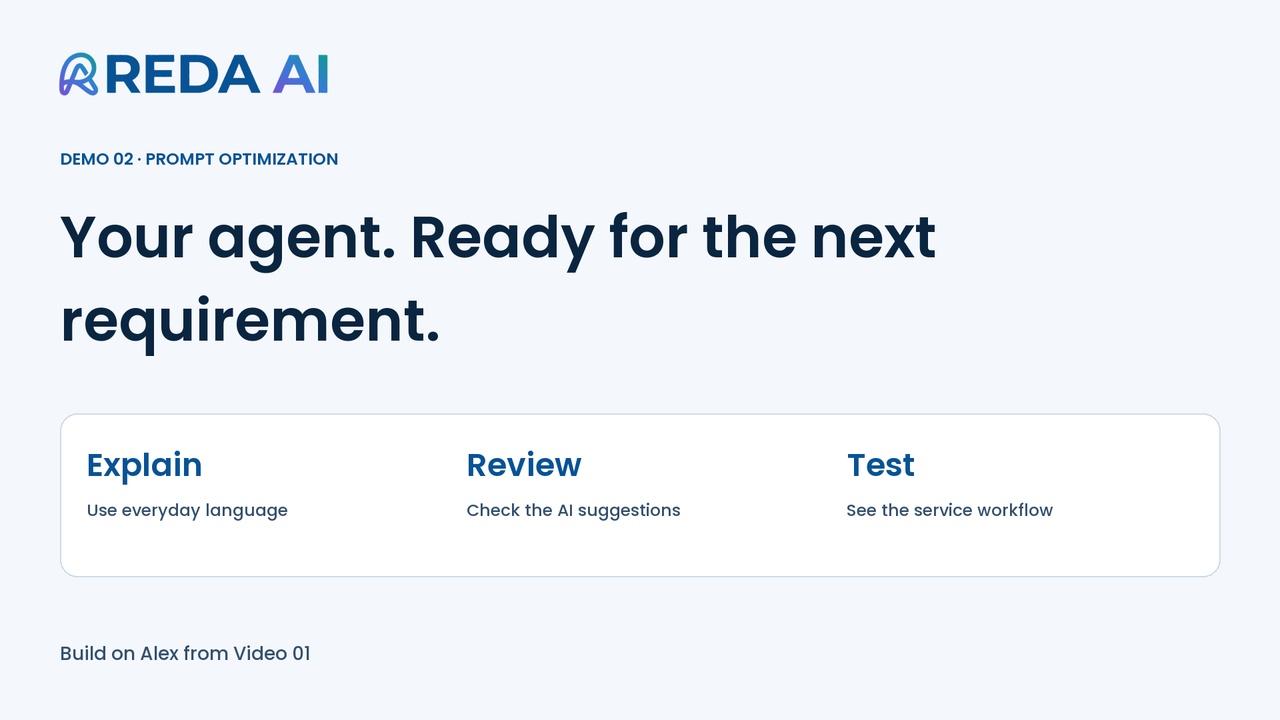
Create an agent with a name and a role, then ask REDA AI to review its setup. It proposes improvements across instructions, settings, record context and suggested questions.
You decide which suggestions to apply. Test the configuration against real scenarios before making it available to your team.
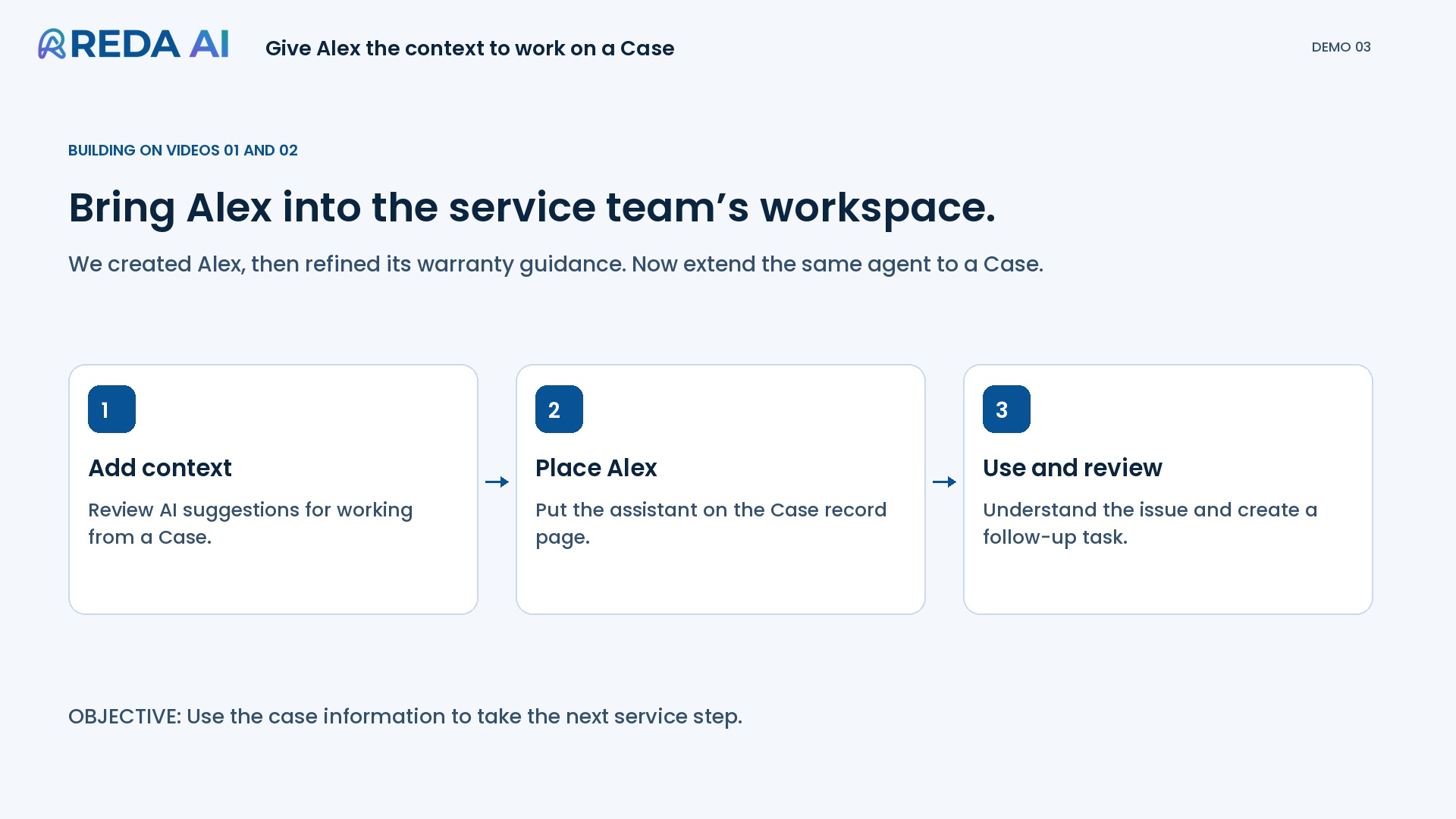
Choose the object and review its existing context configuration.
02
Find relevant context
Get suggestions for fields and descriptions that support the agent’s purpose.
03
Review and refine
Check relevance and access, then test the information available in the experience.
Start with support. We build the first scoped pilot with you. These tools support your administrator’s work; business knowledge and testing remain essential. AI-assisted analysis uses REDA credits with AI included, or your configured provider account with Bring your own AI.
Expose a parameterised Salesforce query for a specific business question.
SOQL and configuration knowledge{ mapping }
File mappings
Map CSV columns to Salesforce fields for a defined import process.
Mapping and validation setup{ action }
Custom actions
Use an Apex-backed tool for specialised logic or an integration.
Development, deployment and testing
Built-in count verified for REDA AI 1.16000. Tools and actions are building blocks; your configuration determines how they are used.
03
Where it works
One platform. Across the places work happens.
Make configured assistance and automation available to your team, your processes, your customers and your partners. Explore each experience below.
Copilot for your team
An AI colleague, tailored to the way your people work.
Give your people a copilot in Salesforce, configured around their roles, your business processes and policies. Your people start the conversation: ask questions in plain language, review the findings and decide which actions to take—all within the permissions and guardrails you set.
Less time piecing things together. More time for your people to move work forward.
more issues resolved per hour on average in a study of 5,172 customer-support professionals using an AI assistant.
Independent research · Brynjolfsson, Li & Raymond · QJE, 2025. Read the study ↗
Study findings, not a measured REDA AI result.
See what you could build for your team.
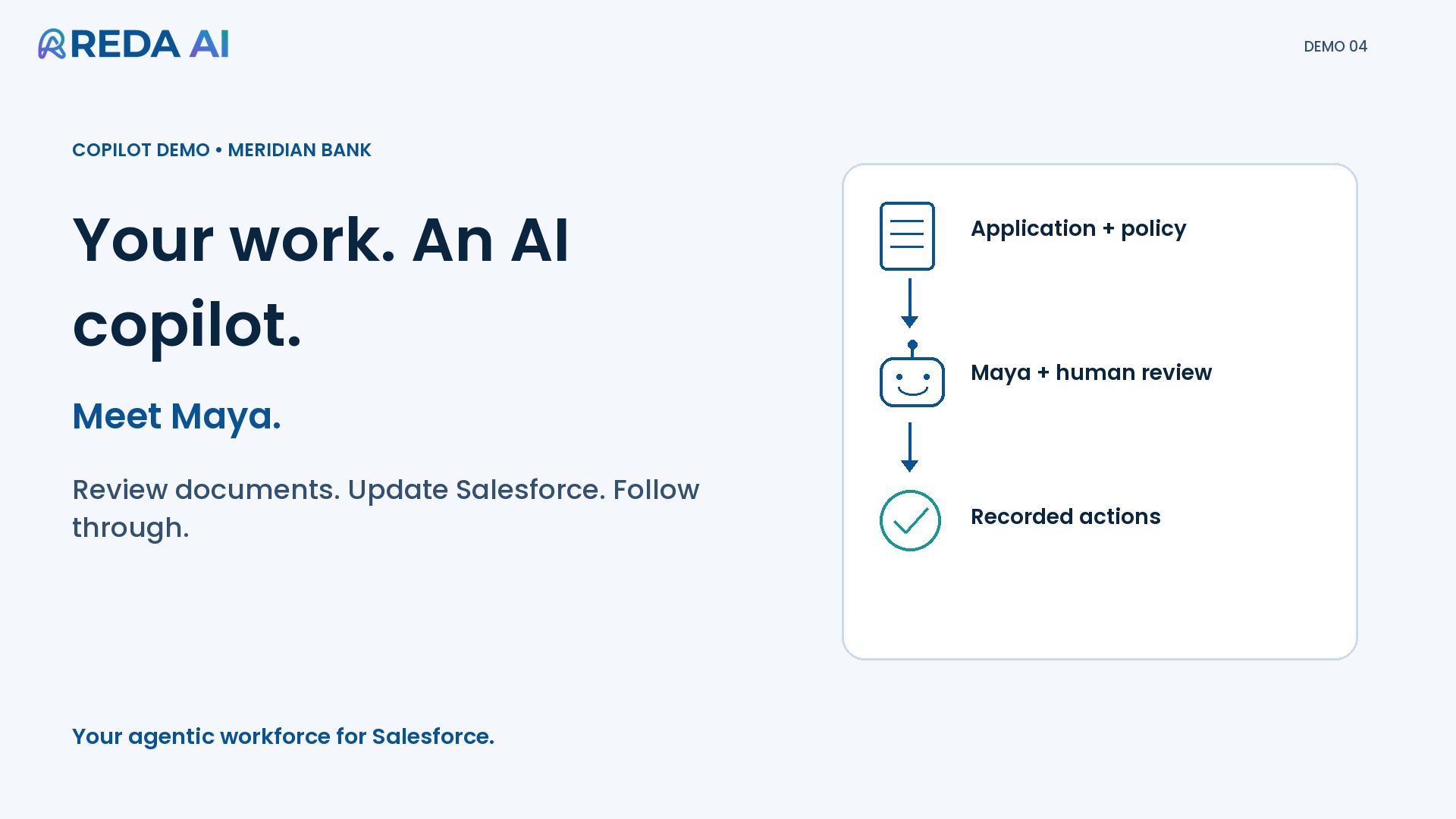
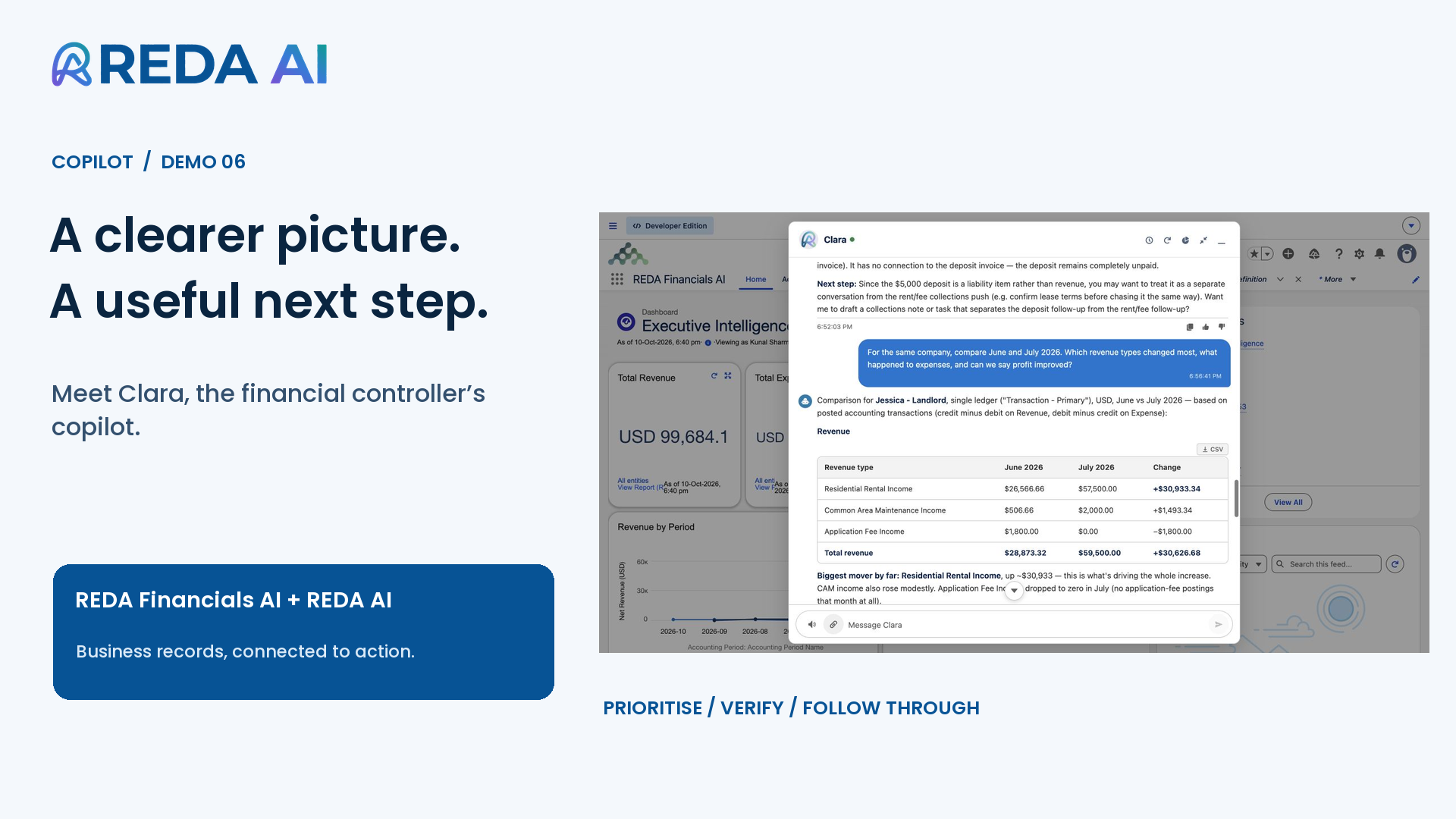
See Maya review a loan application and Clara help a financial controller explore business records. Each copilot is configured for a different role and process.
Give your people guidance right on the Salesforce record, without having to start a chat. REDA AI uses the record’s information and the procedures and policies you configure to highlight what needs attention, explain why and suggest the next step—helping new joiners and experienced colleagues follow a consistent approach.
Less guesswork. Clearer priorities. More consistent ways of working.
months of tenure. In a customer-support study, staff with two months’ tenure using AI assistance performed comparably to staff with more than six months’ tenure without it.
Independent research · Brynjolfsson, Li & Raymond · QJE, 2025. Read the study ↗
Customer-support AI assistance; not a test of record-based recommendations or REDA AI.
From record context to practical next steps.
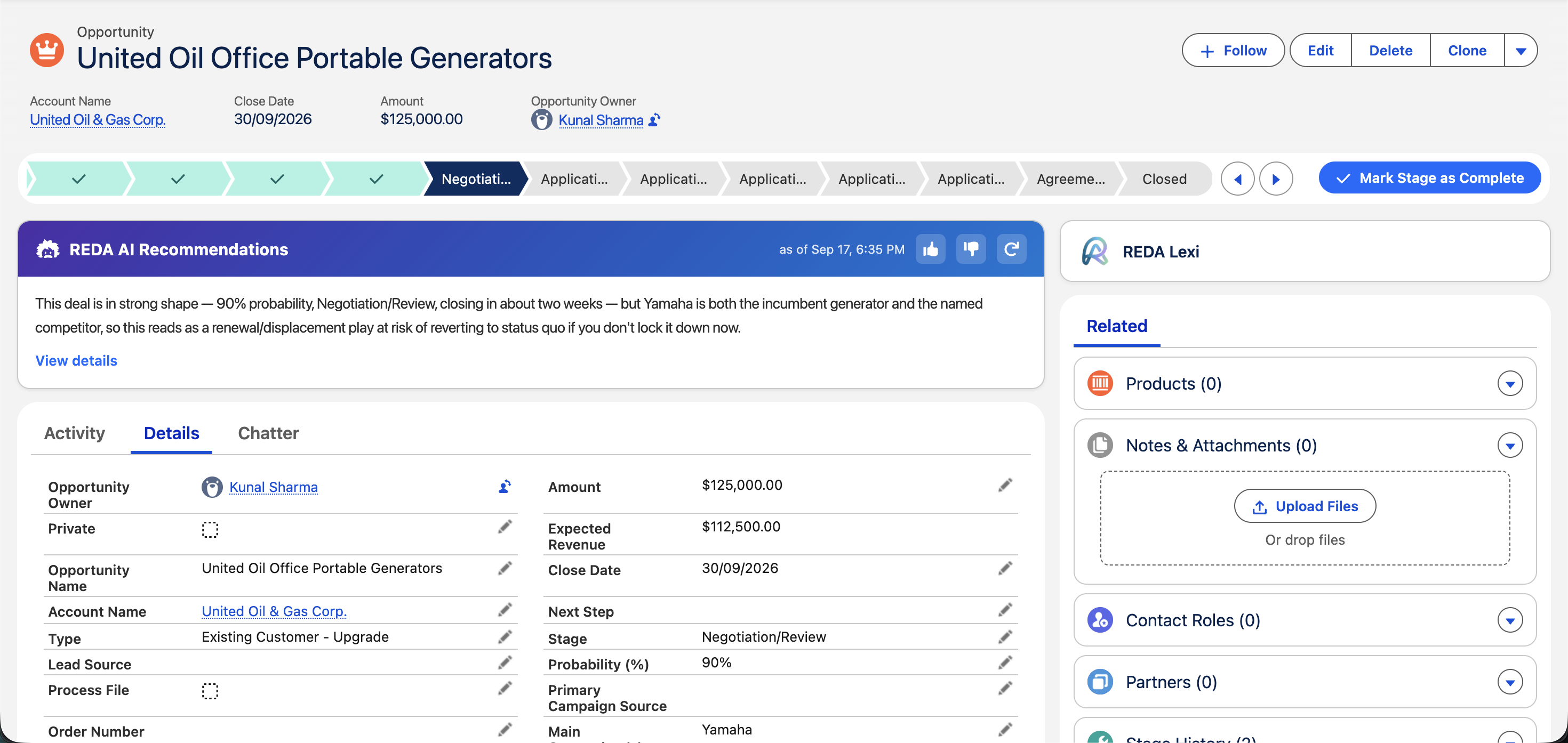
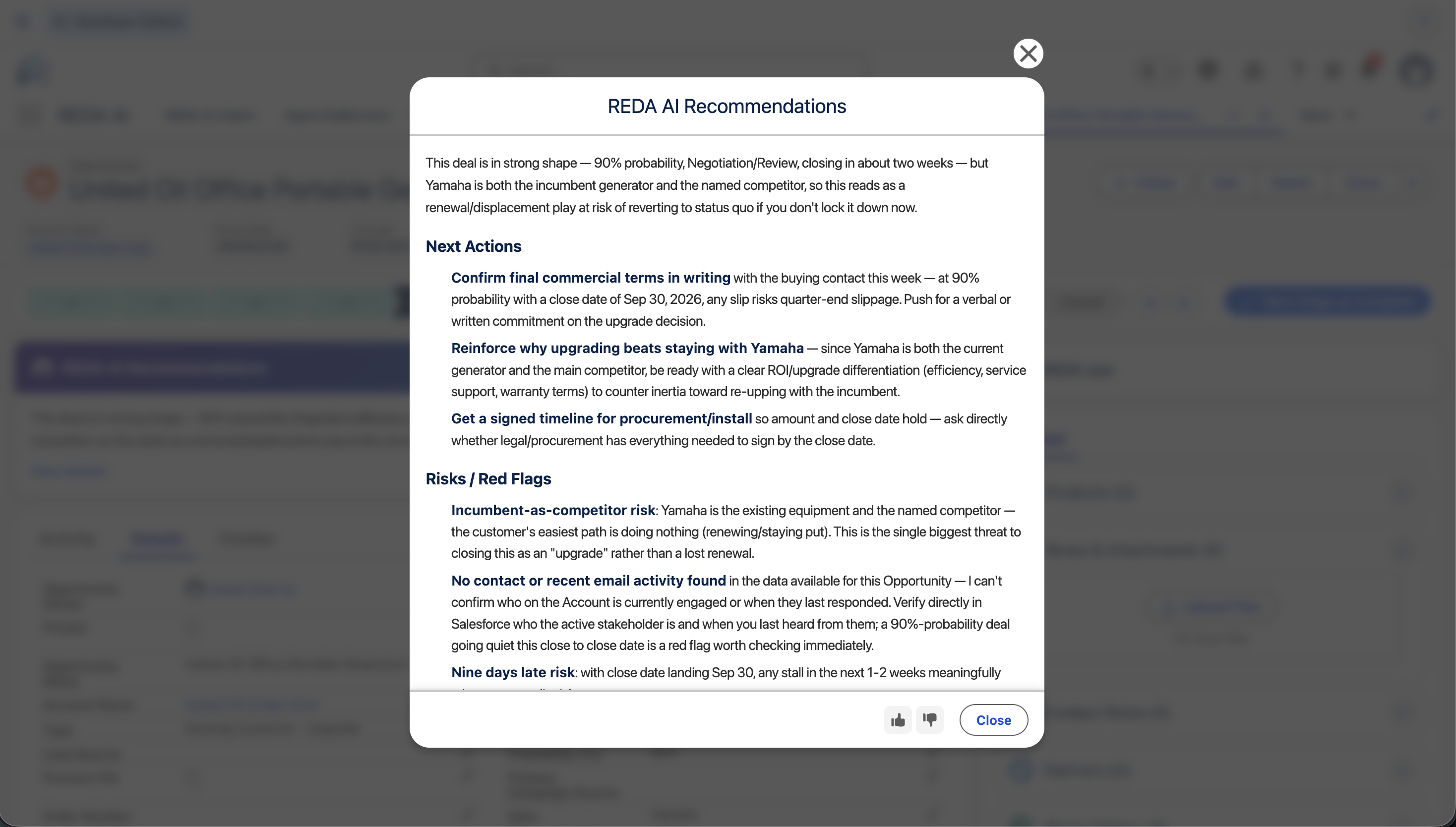
This sample B2B sales configuration highlights follow-ups, potential risks and information that needs checking—all within the opportunity. Your recommendations are tailored to your own records, roles and procedures.
Screenshot 1 of 2: on the record
Sample configuration · B2B sales · Step 1
See what needs attention, right on the record.
A concise recommendation brings the opportunity’s context into focus while your people work in Salesforce.
Keep work moving, 24/7—without managing every step.
Let a business event start the work. Configure REDA AI to respond, work through your procedures and carry out the actions you allow, bringing in your people when judgement or approval is needed.
Connect it through Salesforce Flows and APIs, and extend its tools and actions as your business needs evolve.
Less routine work to coordinate. More time for the decisions that need your people.
Study of staff using AI assistance; does not measure autonomous workflows or REDA AI.
AI in accounting workflows
7.5 days
shorter month-end reporting lag associated with AI adoption in field research covering 79 small and mid-sized firms.
Choi & Xie · Journal of Accounting Research, 2026. Read the study ↗
Association with AI adoption; does not isolate autonomous workflows or measure REDA AI.
See what you could automate in your business.
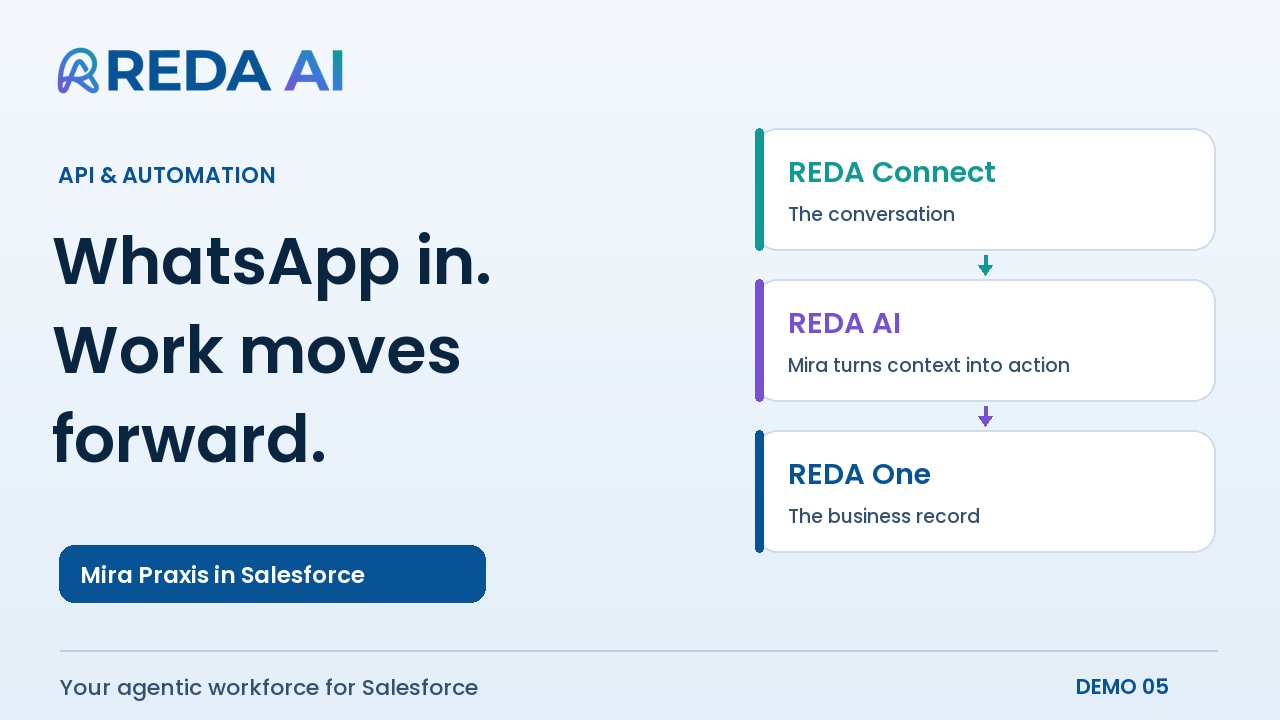
Follow a WhatsApp enquiry through REDA Connect and REDA One, with Mira using Salesforce records and configured procedures to respond and update the inquiry.
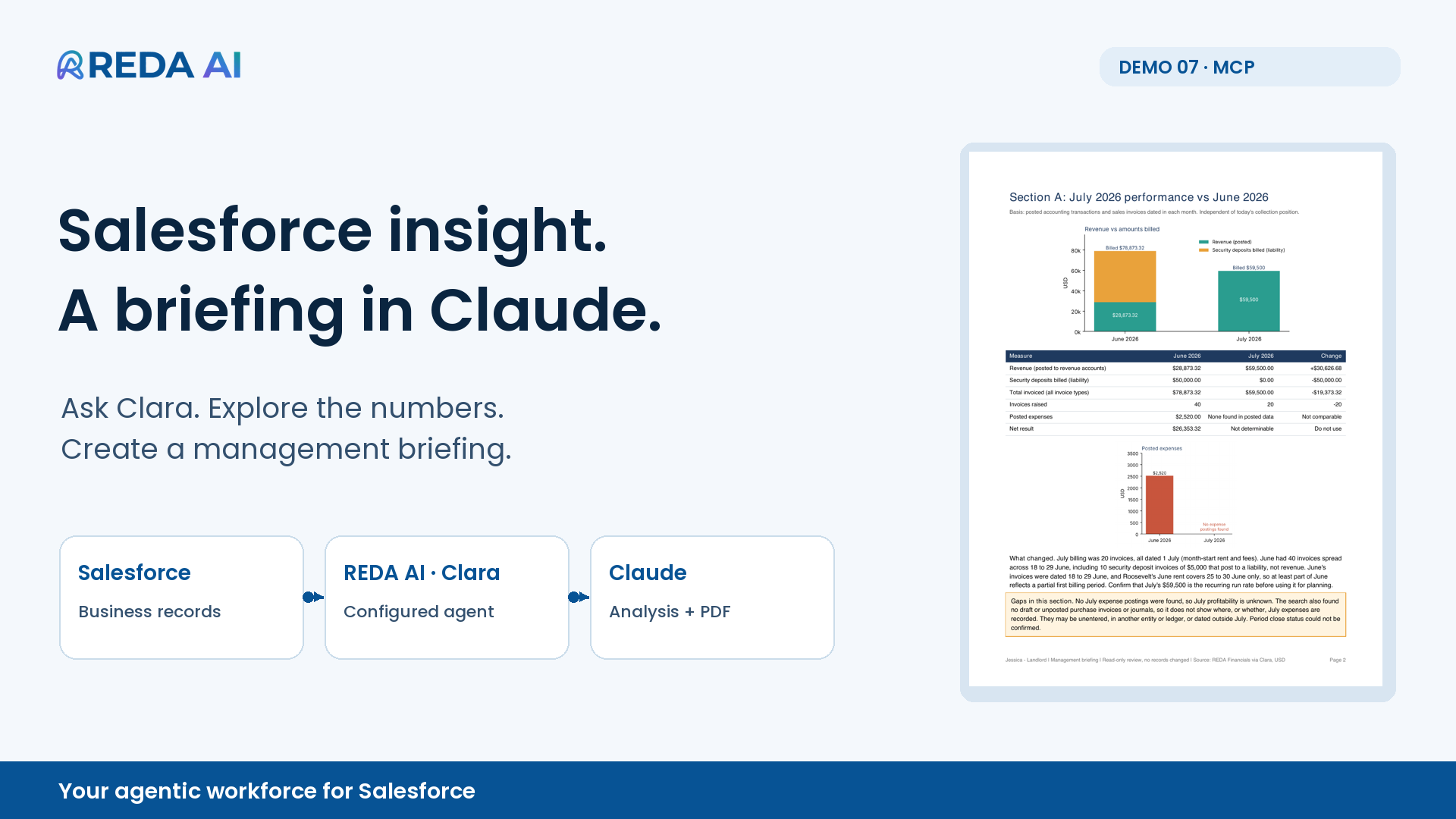
Let your people work with Salesforce from Claude through REDA AI. Requests run through agents configured with your business knowledge, procedures and permitted tools and actions, using the signed-in user's Salesforce access.
Bring the results into Claude to analyse, chart and turn into reports—without rebuilding your business instructions in every conversation.
Less exporting and re-explaining. More time to turn answers into useful work.
nonprofit applications evaluated in under an hour. Smartsheet reports that its corporate social responsibility team used its MCP connector with Claude to evaluate the applications.
Company-reported example; not a measured REDA AI result.
From a business question to a report you can use.
Follow Clara as a financial controller explores Salesforce records in Claude and prepares a monthly briefing. The same connection can support other roles, records and procedures.
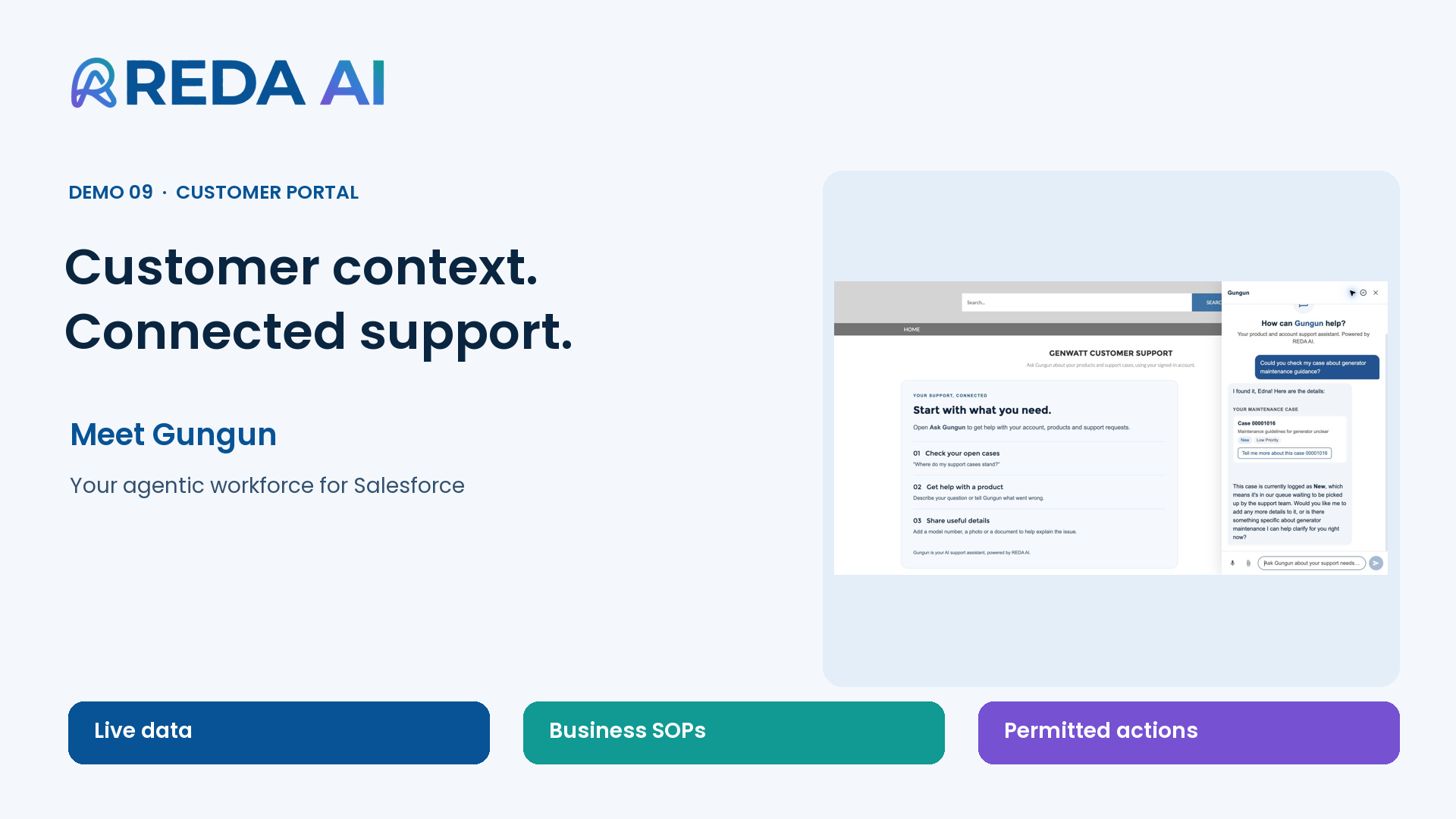
Give customers and partners a clearer way to get help and move their requests forward. REDA AI brings your business knowledge and procedures into your Salesforce portal, helping people understand what they need to do and take the actions you make available, using the information they are permitted to access.
When your team needs to step in, they can continue with the context already captured.
Less back-and-forth. A smoother experience for the people you serve.
Built in your Salesforce. Available on your website.
Turn website interest into your next business opportunity.
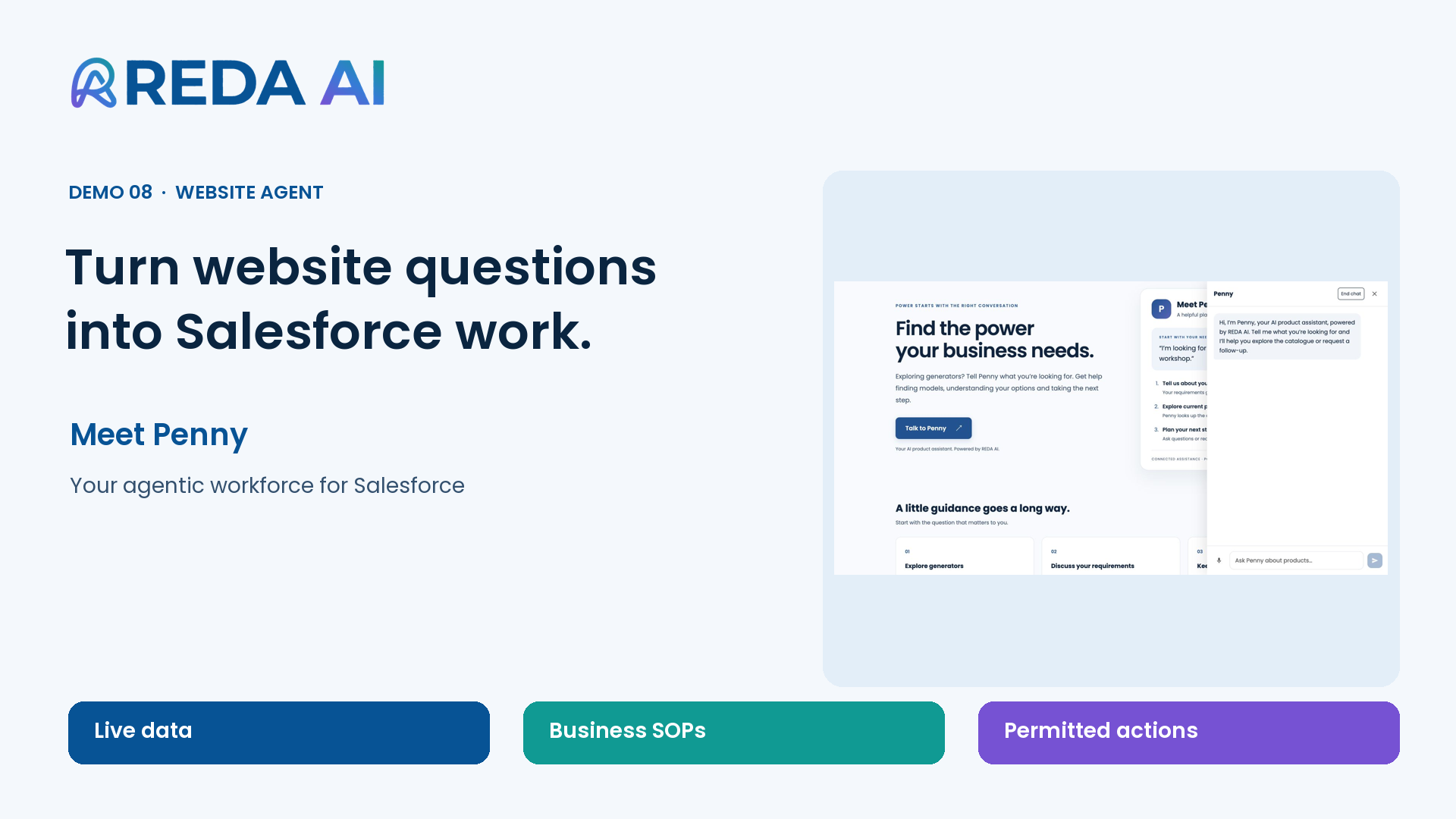
Help visitors explore your products and services, understand what fits their needs and take the next step towards buying. REDA AI brings your business knowledge and sales processes into the conversation, configured around the information and actions you allow.
Connected directly to your Salesforce, it can capture requirements, create an enquiry or arrange a conversation with your team—with the context already there.
Less distance between a visitor's interest and your team's next opportunity.
Higher purchase conversion in a randomized field experiment with an AI-powered pre-sale chatbot on an online retail platform.
External research · Fang et al. · Reported by Columbia Business School, 2025. Read the research ↗
External online-retail research; not a measured REDA AI result.
See a website conversation become a next step in Salesforce.
This sample use case shows how REDA AI can be configured for product enquiries. Your setup can reflect different products, services and sales processes.
Refinement is a review process. Diagnostic suggestions help your administrator investigate; they do not automatically fix configuration or prove a business outcome.
Be clear about the data flow. Relevant business content can be sent to the AI provider. Salesforce execution, external processing and each channel’s access controls are explained in our trust guide.
We work with you to configure a first agent around an agreed problem and prove it in your Salesforce sandbox. The free pilot is a bounded proof of concept; a full production rollout is scoped separately.