REDA AI over MCP is live: your configured agents, inside Claude. Explore the connection →
Your agentic workforce for Salesforce

See what AI can do.
Across your business.

From assisting your team to taking action across channels. Watch REDA AI work with Salesforce data, business procedures and the people who move your business forward.

9 demos42 minutes in total6 caption languages

Choose a demo

Videos play on YouTube. Privacy policy.

Business demos

Start with the work you want to improve.

See the context, the conversation and the next action. Each example is configured for a particular business need.

4:24
Copilot

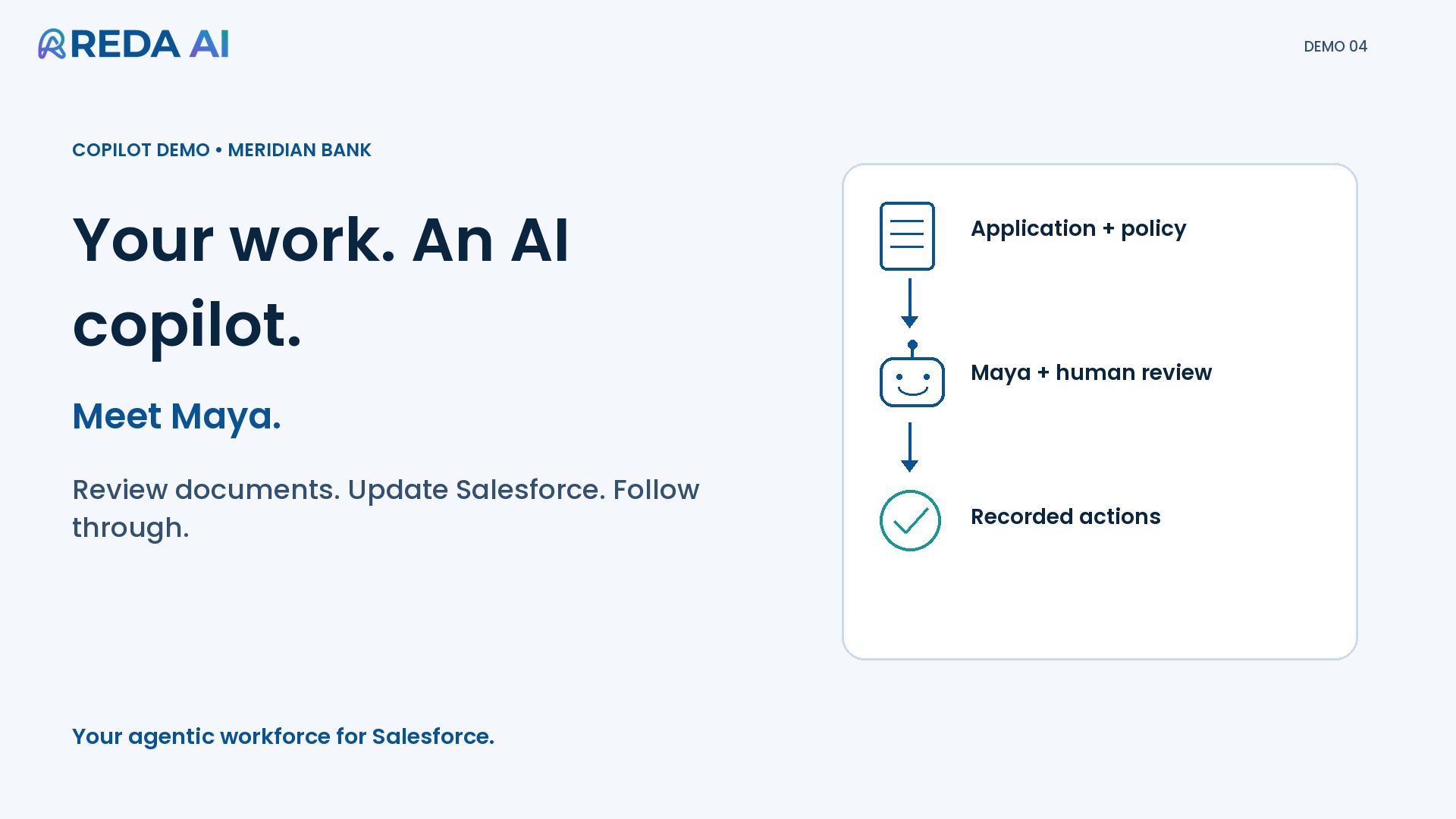
Work with an AI copilot in Salesforce

Review application documents, update Lead fields and follow up with a branded email—all from one Salesforce workspace.

See the findings become reviewed actions your team can track.

Maya · Loan application reviewWatch demo
4:52
Copilot

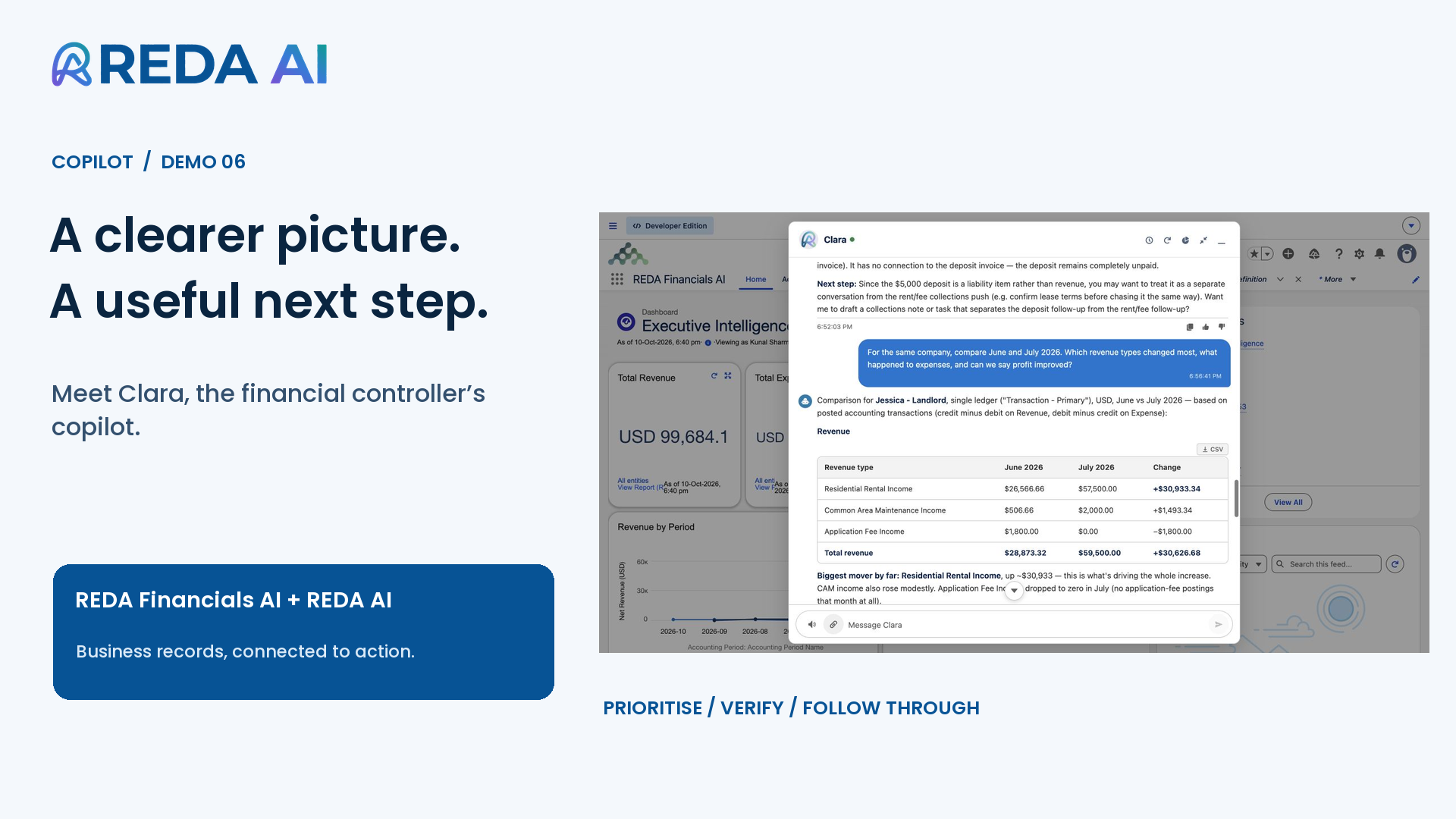
Explore your business data with AI

Ask about overdue invoices, investigate customer balances and compare revenue movements with Clara in REDA Financials AI.

Move from a finance question to supporting records and the next follow-up.

Clara · Financial controllerWatch demo
6:26
API & automation

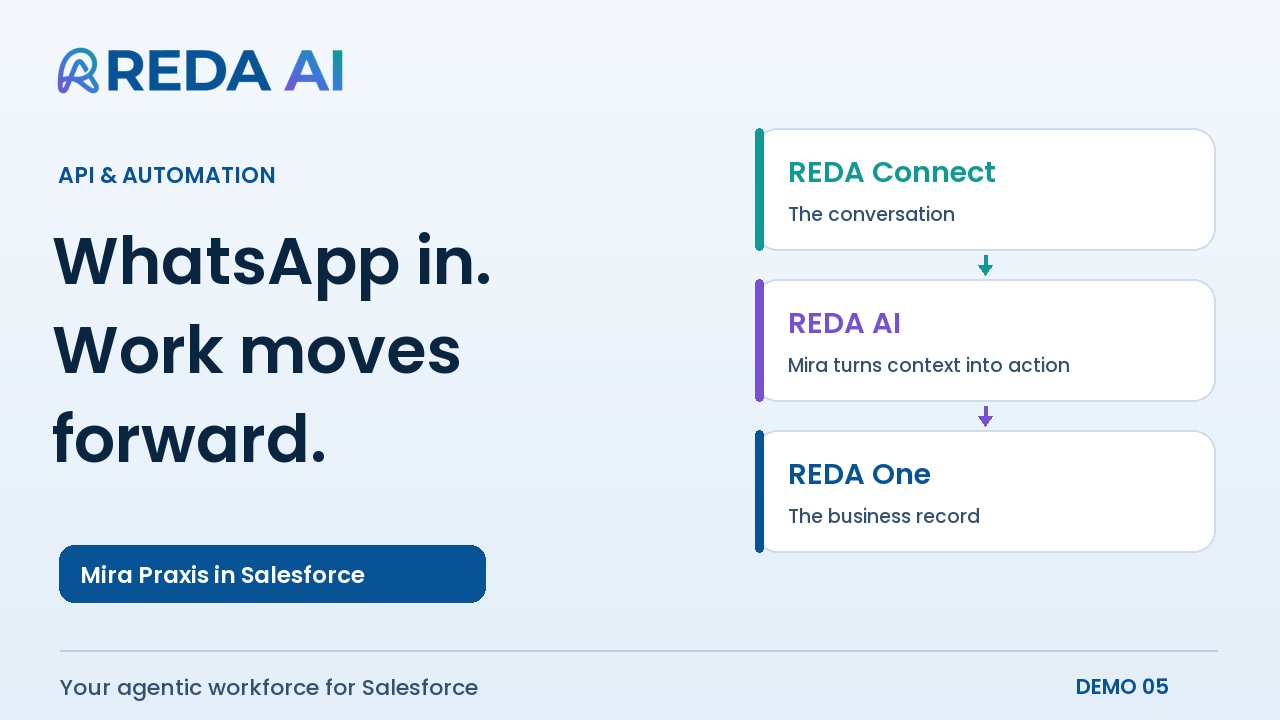
Turn incoming messages into action

Follow a WhatsApp enquiry from REDA Connect into Salesforce, as Mira checks property records, gathers requirements and updates the inquiry.

Connect your data and procedures to work arriving through other channels.

Mira · WhatsApp enquiriesWatch demo
5:02
Claude & MCP

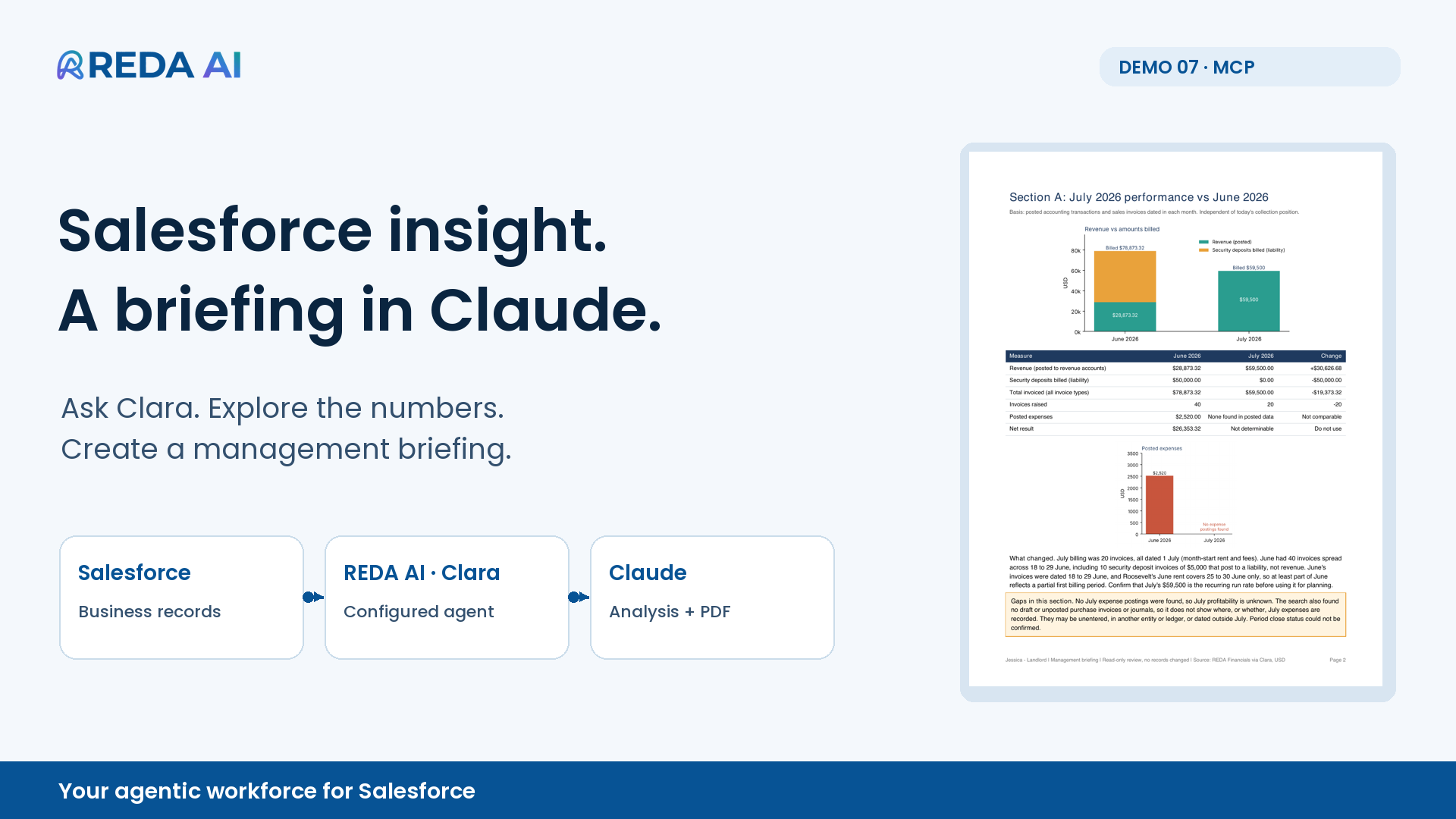
Bring Salesforce context into Claude

Use Clara through MCP to explore Salesforce finance records, compare months and prepare a management briefing with charts and a PDF.

Keep Salesforce access scoped while working with returned findings in Claude.

Clara · Monthly finance briefingWatch demo
3:29
Website

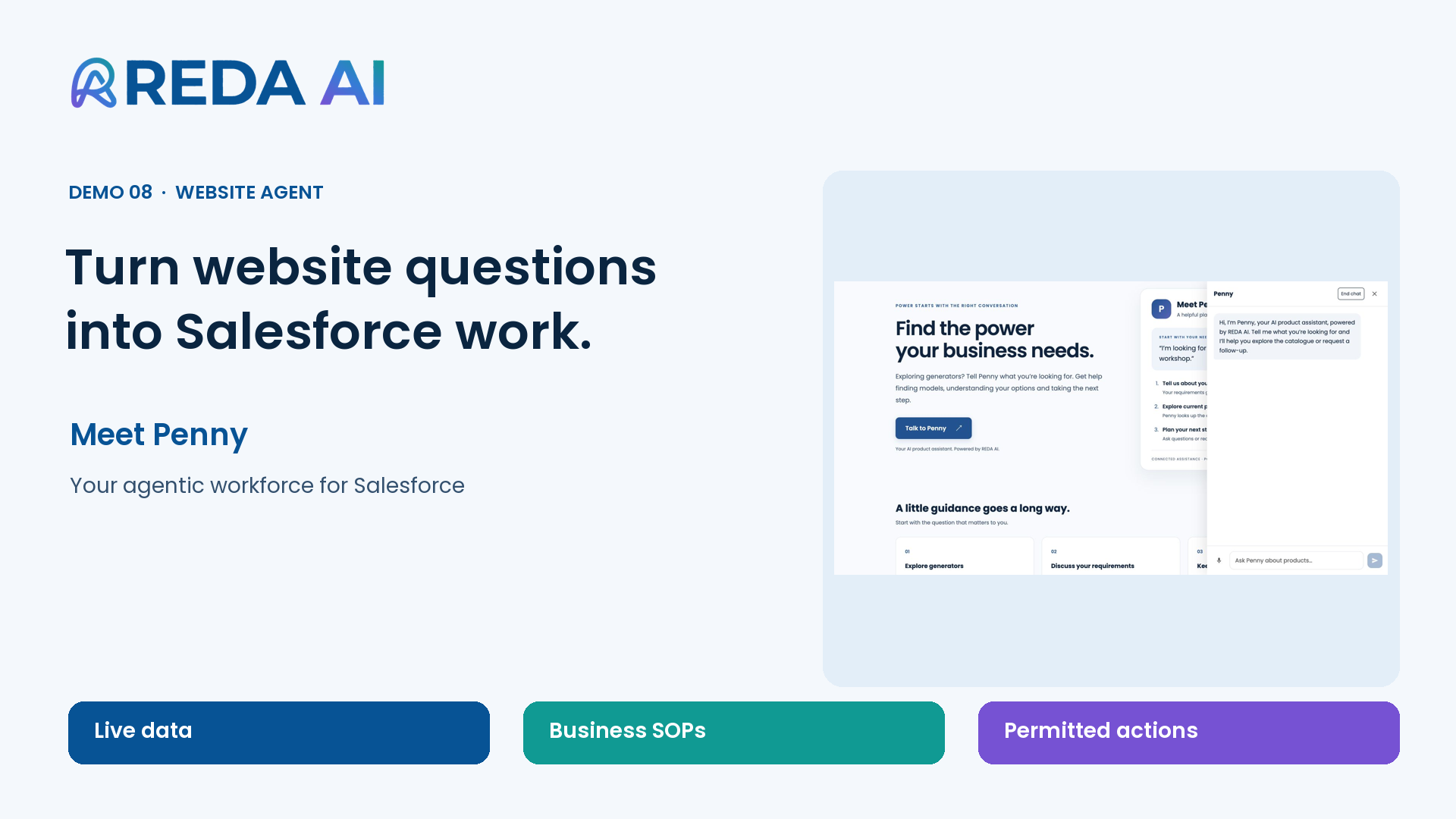
Help website visitors take the next step

Watch Penny answer product questions using current catalogue records, understand a visitor’s requirements and capture a Salesforce Lead.

Give your sales team the product discussion and enquiry context together.

Penny · Product enquiriesWatch demo
3:16
Customer portal

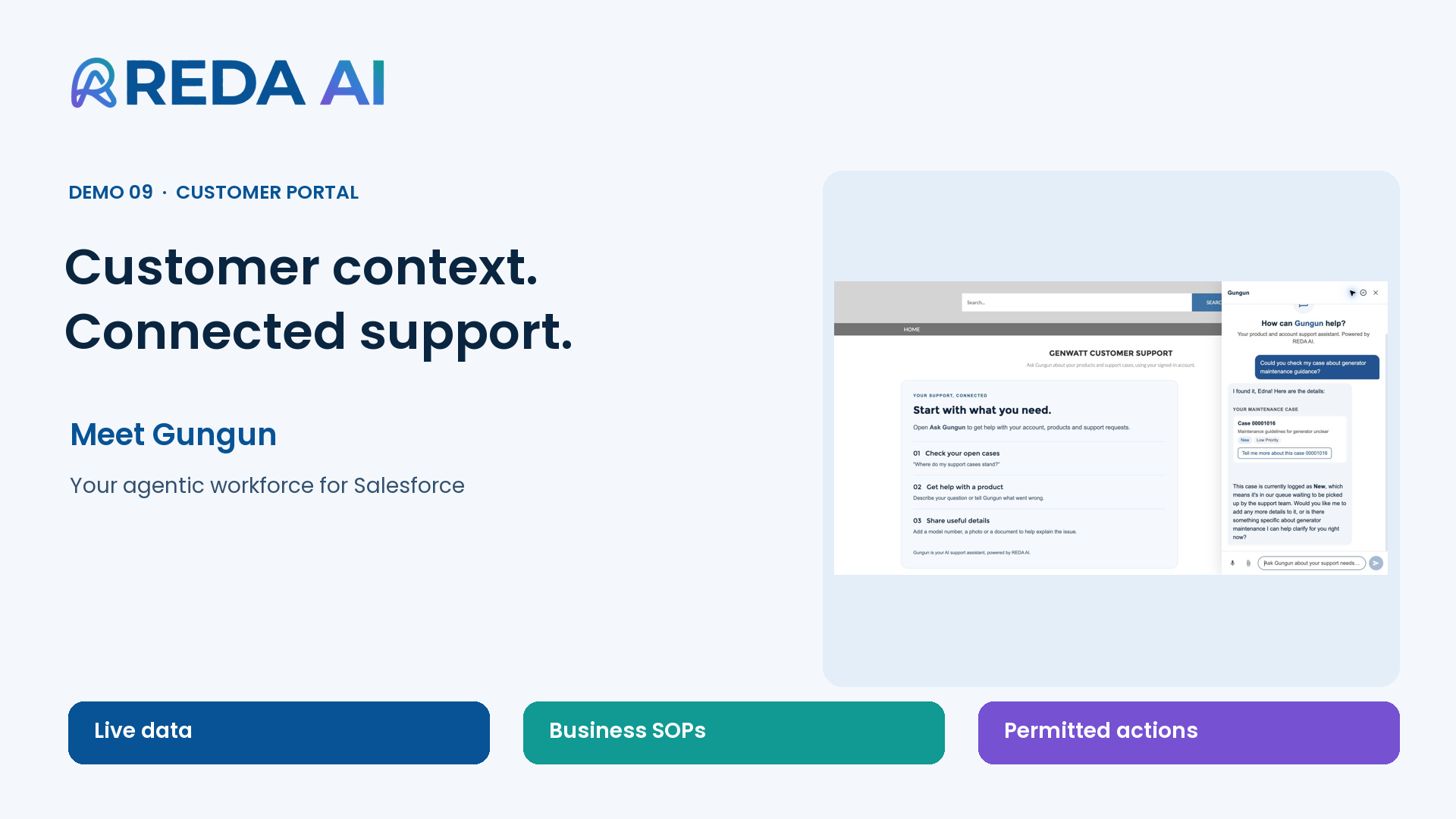
Support customers in Experience Cloud

See Gungun help a signed-in customer check a case and raise a new support request with the details the service team needs.

Carry customer context into support, under the portal user’s permissions.

Gungun · Customer supportWatch demo
Admin walkthroughs

Build and configure your agents.

Follow Alex from a plain-language brief to a working assistant, then improve its instructions and extend its record context.

7:11
Admin walkthrough

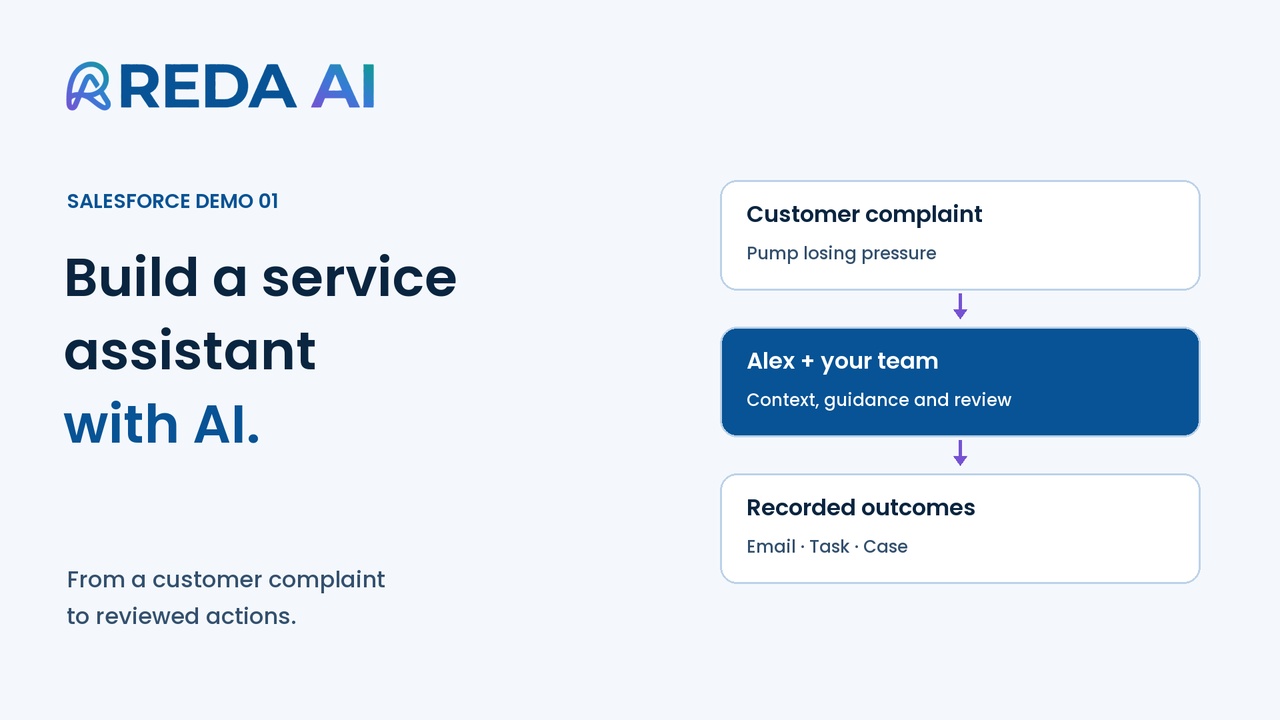
Build an agent with AI

Describe the work in everyday language, review the proposed configuration and place Alex on an Opportunity page.

Start with a business need and test a working service assistant.

Alex · Agent creationWatch demo
4:20
Admin walkthrough

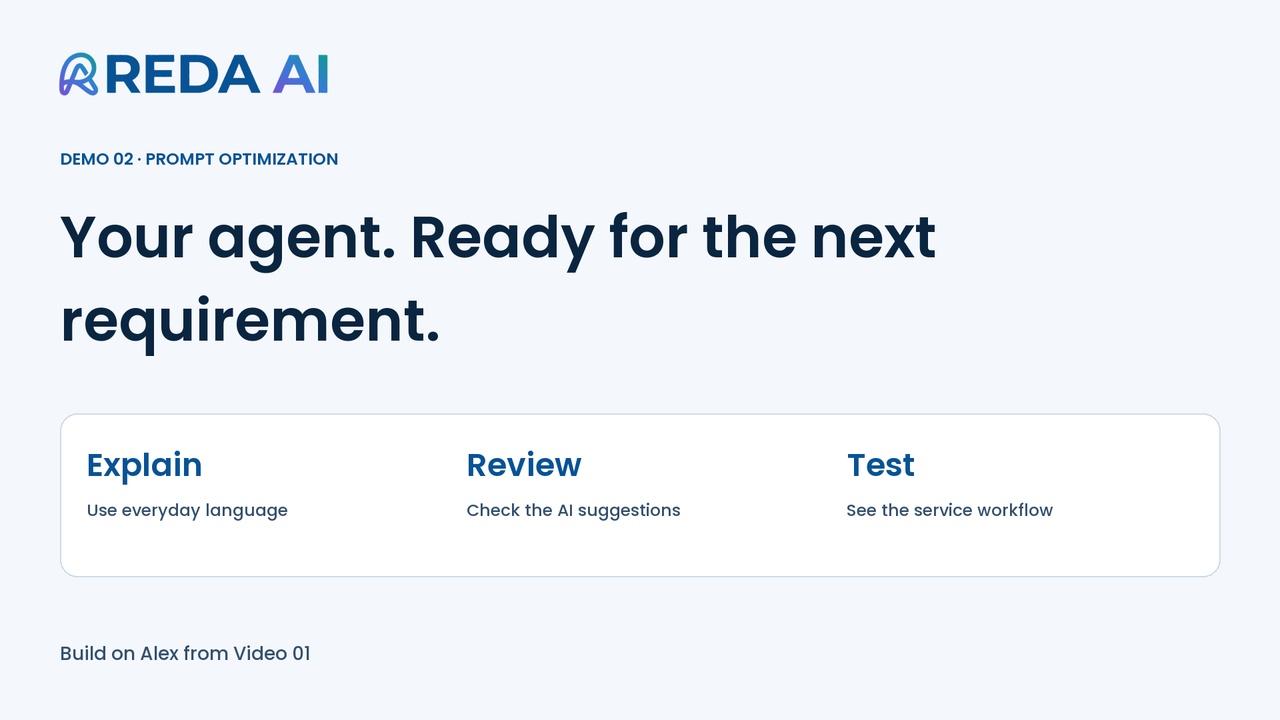
Improve your agent’s instructions

Extend Alex’s service workflow with warranty guidance using Prompt Builder, then verify the case update and customer email.

Adapt an existing agent as your business requirements evolve.

Alex · Prompt optimisationWatch demo
3:01
Admin walkthrough

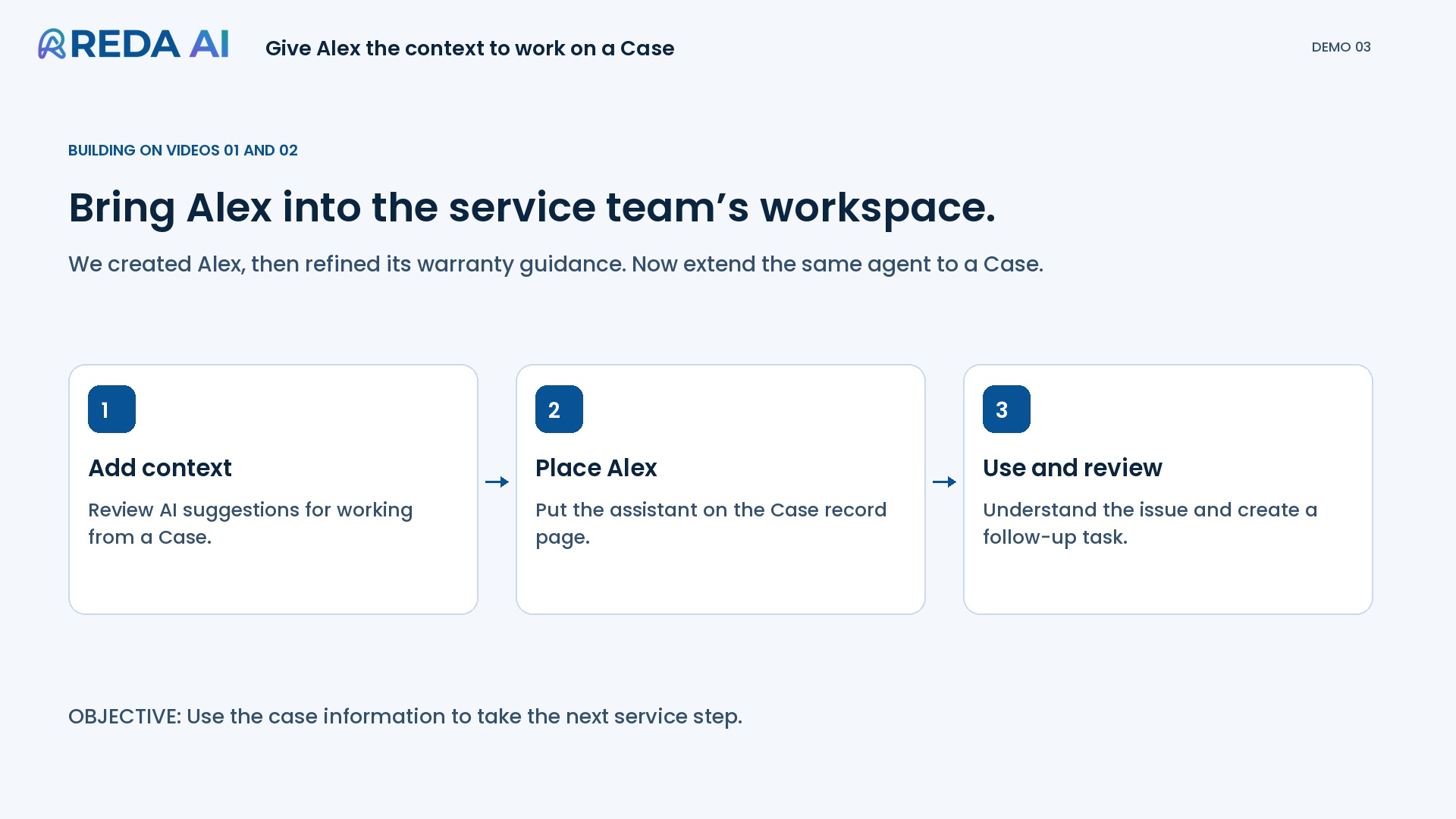
Give your agent record context

Extend Alex from Opportunities to Cases, review the added context and test a service follow-up from the Case page.

Help the same agent work across another part of your process.

Alex · Record contextWatch demo
Your business. Your next step.

Let’s bring the agentic workforce to your business.

Tell us about one problem. We’ll build and test your first agent in your Salesforce sandbox—free within an agreed scope, with no obligation to proceed.

Tell us about your one problem

Evaluating your options? Compare REDA AI and Agentforce →

For clearer Salesforce details, choose Settings → Quality → 1080p in the video, or use Full screen. English narration with captions.

Hosted on YouTube. Playing connects to Google, which may use cookies and receive playback information. Privacy policy.